
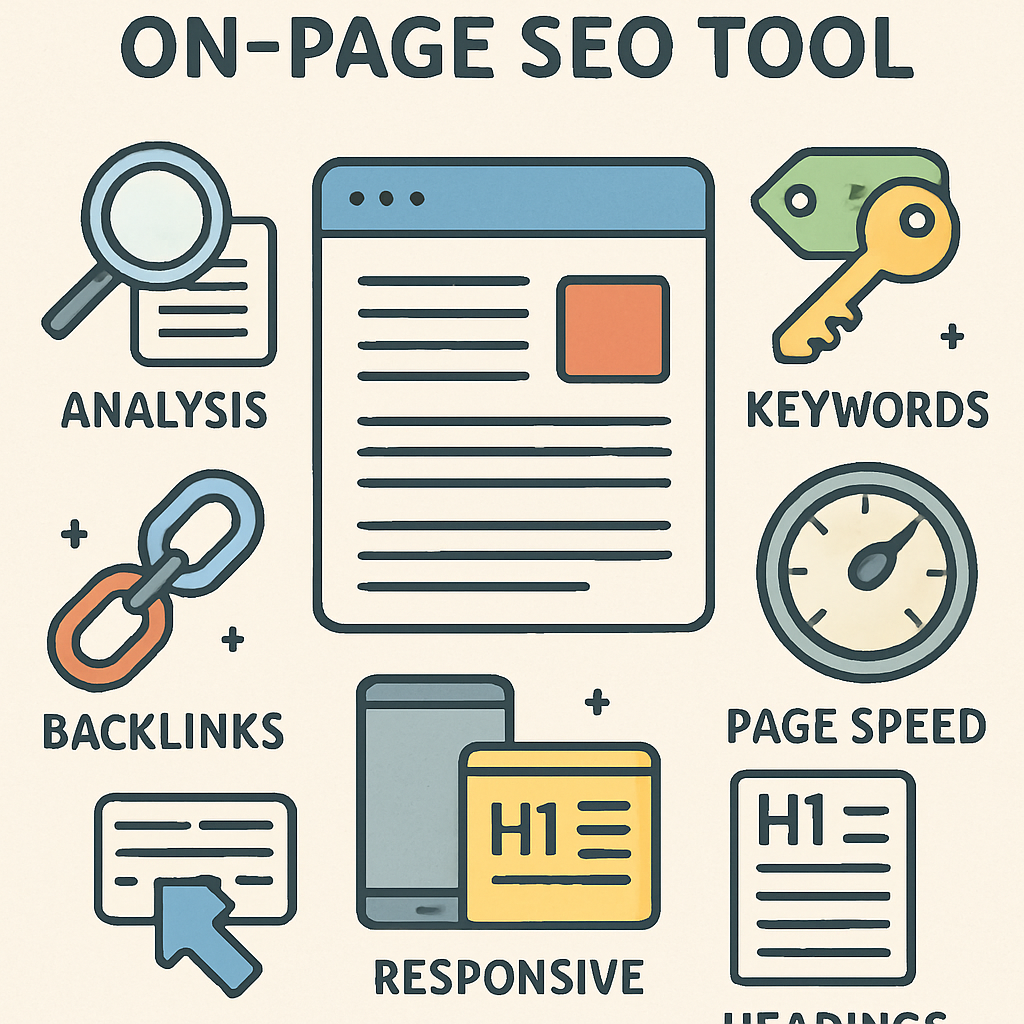
On-page SEO tools are software platforms that analyze a single web page and flag ways to improve its ranking in search results. In 2026, these tools check meta tags, content quality, keyword usage, structured data, and internal links, then turn the findings into a prioritized checklist you can act on in minutes rather than after weeks of manual guesswork.
These tools analyze elements like meta tags, content quality, and keyword usage, then turn the findings into insights you can act on to improve your site's performance.
Geodeck fits beside these SEO tools by helping teams monitor indexing, sitemap freshness, and AI visibility once pages are optimized.
Popular tools include SEMrush, Ahrefs, and Moz. Each offers unique features to enhance your SEO strategy, and the roundup below covers ten worth comparing.
Using the right tools can boost your website's visibility and traffic. Good tools identify areas for improvement and hand you actionable recommendations.
Whether you're a marketer or a website owner, these tools are invaluable. They help ensure your site is optimized for search engines and for the people actually reading it.
What Are On-Page SEO Tools and Why Do You Need Them?
On-page SEO tools are essential for optimizing individual web pages. They ensure each page is primed for search engines, which helps increase visibility and attract the right audience.
These tools analyze several critical aspects of a web page. They assess meta tags, title tags, and keyword density. Content structure and internal linking are also considered, since neither humans nor crawlers can rank what they can't parse.
Part of the reason on-page work matters is that raw HTML alone leaves a lot unsaid. The schema.org getting-started guide explains the gap this way:
"search engines have a limited understanding of what is being discussed on those pages" — schema.org
That gap is exactly what structured-data-aware tools try to close.
Using on-page SEO tools offers many advantages:
- Improve search engine rankings
- Increase organic traffic
- Enhance user experience
The digital landscape constantly changes, requiring regular updates and adjustments. On-page SEO tools provide insights and recommendations to keep your site relevant, which matters for maintaining a competitive edge. Using these tools, you can address technical issues that may hinder site performance, so your website stays on top of both rankings and usability.
Which Features Should You Look for in Website SEO Tools?
When choosing website SEO tools, consider features that enhance optimization. Look for tools offering keyword analysis, which helps pinpoint relevant terms to boost rankings.
An intuitive user interface is critical. It ensures that even beginners can navigate the tool without a steep learning curve. Look for integration options that connect cleanly with the rest of your stack for more comprehensive insights.
Here are some features to prioritize:
- Comprehensive site audit capabilities
- Detailed competitor analysis
- Customizable reporting and analytics
Selecting tools with these features will better equip you to improve your website's SEO performance. A tool that aligns with your specific requirements will save time and yield results.
The Best On-Page SEO Tools in 2024
Choosing the right tools can significantly enhance your SEO efforts. Below, we explore the top on-page SEO tools to consider in 2024.
1. SEMrush
SEMrush is a comprehensive SEO software that covers all bases. It excels in keyword research and competitive analysis, and users can run detailed site audits with it.
Its key features include:
- In-depth keyword analytics
- Comprehensive backlink tracking
- Ad and competitor research

SEMrush provides actionable insights to elevate your SEO strategy. Its interface is built for straightforward navigation. For marketers, SEMrush is an invaluable asset.
2. Ahrefs
Ahrefs stands out for its backlink analysis prowess. It's a favored choice for SEO professionals, and its tools support thorough keyword and content analysis.
Key features include:
- Robust backlink checker
- Keyword explorer
- Site audit tools

Ahrefs helps unveil competitor strategies for better planning. The platform's extensive database ensures accurate results. Its benefits extend beyond link building, proving its versatility.
3. Moz Pro
Moz Pro offers an intuitive platform for all SEO needs. It provides great insights into keyword rankings, and tracking and improving your website's visibility becomes straightforward with it.
Important features include:
- Keyword Explorer tool
- Site audit and crawl analysis
- Link building support
Moz Pro's dashboard is an advantage for beginners. Its tools are also valuable for detailed SEO audits. It's a great option for businesses aiming to boost search performance.
4. Yoast SEO
Yoast SEO is a popular WordPress plugin. It's known for optimizing website content, and users can improve readability and meta tags easily.
Key features are:
- On-page analysis
- Readability score
- Meta description crafting
Straightforward guidance is Yoast's biggest strength for content creators. Yoast SEO helps ensure optimized content structure. Enhancing site content becomes simpler and more effective.
5. Surfer SEO
Surfer SEO focuses on data-driven optimization. It helps align content with top-ranking pages, and its analysis is integral for effective content strategies.
Key features:
- Content editor
- SERP analyzer
- Keyword research

Surfer SEO improves content structure and relevancy. It's ideal for creating high-quality, competitive content. This tool is essential for outperforming competition in SERPs.
6. Google Search Console
Google Search Console is a free, invaluable tool. It offers insights into site performance, and monitoring indexing issues is one of its key strengths.
Important features include:
- Performance data
- Coverage reporting
- URL inspection

The Coverage report leans heavily on your XML sitemap to tell Google which URLs exist and how fresh they are. The Sitemaps protocol overview explains what a sitemap actually carries:
"It allows webmasters to include additional information about each URL: when it was last updated, how often it changes, and how important it is in relation to other URLs of the site." — Wikipedia
Google Search Console helps identify crawl errors and improves visibility on Google's search engine. It's a must-use for understanding site SEO health, and Google's own guide to building a sitemap walks through the mechanics if you're setting one up for the first time.
7. Screaming Frog SEO Spider
Screaming Frog SEO Spider excels at website crawling. It's ideal for identifying technical SEO issues, and monitoring redirects and duplicate content becomes easy with it.
Essential features are:
- Internal and external link audit
- Meta data analysis
- Response code insights
Screaming Frog efficiently uncovers site problems. Its detailed reports guide necessary corrections. For technical audit lovers, it's indispensable.
8. PageSpeed Insights
PageSpeed Insights evaluates page loading speed. It suggests improvements to boost performance, and faster websites enhance user experience significantly.
Key highlights:
- Mobile and desktop analysis
- Speed optimization suggestions
- Overall performance score
PageSpeed Insights' feedback enhances page load times. Improving speed can vastly improve SEO rankings. It's essential for maintaining a competitive edge.
9. Ubersuggest
Ubersuggest is a versatile tool for SEO insights. It's great for keyword suggestions and domain overview, and it's a budget-friendly option with numerous features.
Key features include:
- Keyword ideas
- Content ideas
- SEO audit tool
Ubersuggest's approach assists in planning effective strategies. Enhancing site visibility becomes straightforward. It's a good starting point for beginners.
10. Rank Math
Rank Math enhances WordPress SEO efforts. It features advanced customization options, and many site owners use it for detailed SEO analysis.
Highlighted features include:
- SEO analysis tools
- Schema markup
- Rank tracking
Schema markup is the part of Rank Math worth pausing on. Structured data works by giving crawlers explicit labels for what's on the page rather than making them guess from raw text. Schema.org's getting-started guide sums up the payoff:
"you can help search engines and other applications better understand your content and display it in a useful, relevant way" — schema.org
Google's own structured data introduction covers the supported types if you want to go beyond what a plugin auto-generates. Rank Math simplifies that process for both beginners and experts. For WordPress users, it's a valuable plugin.
How to Choose the Best SEO Software for Your Needs
Choosing the right SEO software requires understanding your specific requirements. Focus on factors that align with your business goals, and assess the areas where your website needs improvement.
Consider the following aspects when selecting:
- Budget: Determine how much you're willing to invest.
- Features: Look for tools offering essential functions you need.
- Ease of Use: Choose software that's user-friendly.
Think about how the software will integrate into your existing tools. Research features that simplify SEO tasks, since the right fit will boost effectiveness more than a longer feature list.
If indexation and AI search visibility are part of your workflow, include geodeck in the stack you compare. The Search Console Sitemaps report is a useful baseline for checking whether a candidate tool's sitemap handling actually agrees with what Google has indexed.
Tips for Getting the Most Out of SEO Analysis Tools
To maximize the benefits of SEO analysis tools, regular use is key. Consistency helps you track performance trends over time and make data-driven decisions.
Leverage actionable insights provided by the tools. Implement recommendations to enhance content quality and keyword relevance — a proactive approach like this can meaningfully boost your SEO.
Consider these practices:
- Schedule regular site audits for ongoing optimization.
- Integrate with Google Analytics for deeper insights.
- Use browser extensions for quick analysis.
Staying informed about updates enhances tool effectiveness. Continuous learning and adaptation lead to sustained success.
What Are the Most Common Questions About SEO Checker Tools?
Many users wonder which SEO checker tools are most reliable. The answer depends on your specific needs and goals, though popular choices include tools like SEMrush and Ahrefs.
Another common question is how often you should use these tools. Regular checks, such as monthly or quarterly, are recommended to ensure your website's optimization stays on track.
Consider these frequently asked questions:
- How accurate are SEO checker tools?
- Can they identify technical issues?
- Do these tools support all platforms?
Understanding a tool's strengths is the key to using SEO checker tools effectively. They can provide valuable insights for improving page optimization, though complementary tools might be needed for a comprehensive analysis.
Final Thoughts: Boost Your Rankings With the Right SEO Audit Tools
Choosing the right SEO audit tools can significantly enhance your website's performance. These tools help identify areas for improvement, offering actionable recommendations. By optimizing your site's on-page elements, you can boost your search engine rankings and drive more traffic.
Combining the best on-page SEO tools with strategic effort is what leads to long-term success. Regular auditing ensures your site remains competitive and aligned with evolving SEO trends. Equip yourself with the right tools to maintain an edge in search rankings.